How Airtable Saved Millions by Cutting Archive Storage Costs by 100x
Airtable moved petabytes of cold log data out of MySQL and built a cheaper archive layer on S3 and Parquet without sacrificing fast queries.
Fellow Data Tinkerers
Today we will look at how Airtable cut archive storage costs by 100x and saved millions.
But before that, I wanted to share with you what you could unlock if you share Data Tinkerer with just 1 more person.
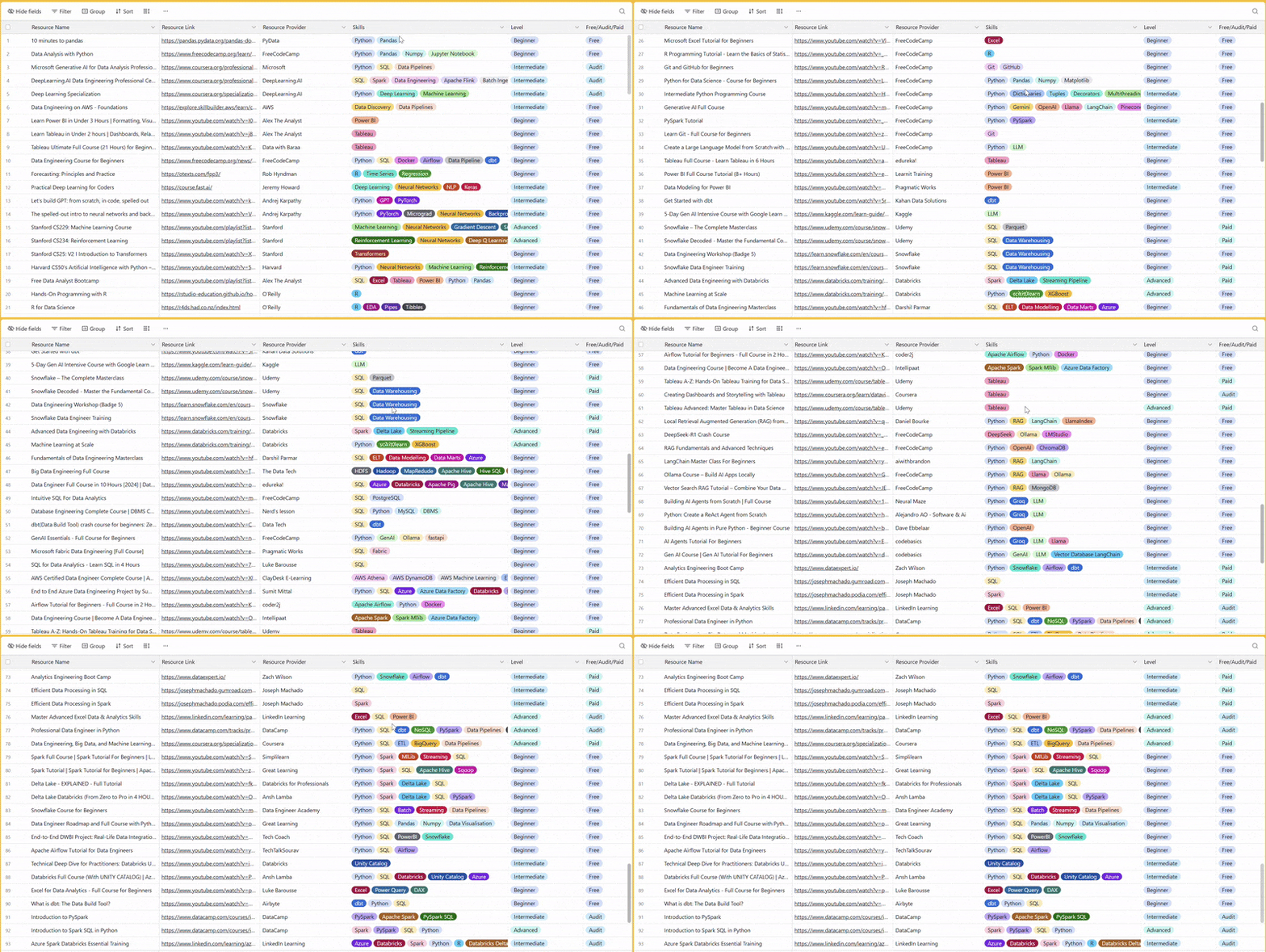
There are 100+ resources to learn all things data (science, engineering, analysis). It includes videos, courses, projects and can be filtered by tech stack (Python, SQL, Spark and etc), skill level (Beginner, Intermediate and so on) provider name or free/paid. So if you know other people who like staying up to date on all things data, please share Data Tinkerer with them!
Now, with that out of the way, let’s get into how Airtable pulled it off.
TL;DR
Situation
Airtable’s MySQL storage had grown to petabytes, with archive tables driving major cost and scale issues. Some databases were also getting close to the 64TB RDS limit.
Task
The team needed to move cold archive data out of MySQL without breaking revision history or slowing queries. They also had to keep durability, availability and enterprise requirements intact.
Action
Airtable built a two-tier system: recent data stayed in MySQL, old data moved to S3 as Parquet files. They used DataFusion for querying, plus Flink, compaction, validation, caching, indexes and bloom filters.
Result
Parquet made the archive dataset about 10x smaller and S3 was about 10x cheaper than MySQL. That led to roughly 100x lower storage costs and millions in annual savings.
Use Cases
Archiving data, reducing storage cost, Improving query latency
Tech Stack/Framework
Apache DataFusion, AWS MySQL RDS, Apache Flink, AWS SQS
Explained further
Context
Airtable’s storage team went into 2024 with a pretty blunt problem: too much archive data sitting in the wrong place.
Their AWS MySQL RDS footprint had grown to petabytes, some of the biggest databases were getting dangerously close to the 64TB RDS disk limit and one particular class of data was doing most of the damage: cell history and action log tables. Together, these acted as Airtable’s archive layer, powering revision history and helping with internal debugging. For some enterprise customers, that data also had to be retained for up to 10 years.
The issue was not that the data had no value. It clearly did. The issue was that MySQL was an expensive home for a workload that was mostly cold.
Most of this archive data was old, rarely touched and read-only except for hard deletion cases. When it was queried, the access patterns were fairly predictable: point selects and paginated range queries, always scoped to a specific base. That made it a poor match for row-oriented OLTP storage at this scale, especially when Airtable still needed interactive latency and strong durability and availability guarantees.
So the team built a new two-tier storage system. Recent rows would stay in MySQL. Older archive data would move to S3, be stored as Parquet files partitioned by base and queried through a new engine built on Apache DataFusion.
That shift did more than trim costs around the edges. The final archived dataset became 10x smaller than the original data in MySQL thanks to Parquet compression and S3 itself was around 10x cheaper per byte than MySQL storage. Put those together and the result was a storage layer that was about 100x cheaper.
Why Airtable needed a better archive layer
Airtable’s archive data had a few characteristics that mattered a lot:
the overwhelming majority (trillions of rows) of it was old and infrequently accessed
most reads were point selects or range queries used for pagination
queries were always filtered to a single base
old data was effectively immutable
the data was keyed by MySQL’s
autoincr_id, so it naturally followed insertion order
That combination is useful. It tells you the team did not need a general-purpose database for this layer. They needed something cheaper that still handled a narrow set of read patterns well.
The first key idea was to move archive data from MySQL into S3. S3 was already much cheaper byte-for-byte. The second was to store that data in Parquet and partition it by base. The third was to place a query engine in front of it that could answer interactive requests without forcing full scans.
This became a two-tier system: hot and recent archive rows in MySQL, older rows in S3-backed Parquet. That let Airtable keep the user-facing experience intact while steadily pulling massive amounts of cold data out of an expensive OLTP system.
Architecture overview
At a high level, the architecture is simple enough to explain in one sentence: archive data moved from MySQL into S3 Parquet files, and DataFusion was used to query those files directly with low enough latency to support product features.
What made it work was the alignment between storage layout and query patterns.
The team kept the Parquet schema close to the original MySQL schema. They also preserved ordering by autoincr_id, because a large share of their reads depended on point lookups or ranged access on that field. That meant the query engine could use Parquet metadata to narrow down what bytes to fetch from S3 instead of pulling full files.
They also partitioned files by base, which mattered just as much. Since queries were always scoped to a specific base, partitioning by base meant Airtable could avoid touching unrelated data entirely.
On top of that, Airtable stored S3 file location metadata in DynamoDB. This gave the client layer a clean way to register the right files with the query engine and helped support enterprise requirements such as regional data residency and encryption with customer-provided keys.
How Parquet fit the workload
Parquet was not just a cheaper format choice. It was the thing that made interactive querying on S3 plausible.
Unlike MySQL’s row-oriented InnoDB layout, Parquet is columnar. It stores each column contiguously and groups rows into row groups, with each row group containing column chunks. More importantly, Parquet files include metadata that query engines can exploit for pruning. File metadata carries offsets and sizes, while page-level metadata can include statistics such as min/max values and bloom filters.
That matters because Airtable’s queries were usually not broad analytical scans. They were targeted reads. If a query asks for a narrow range of autoincr_id values within one base, and the files are sorted on that column, the engine can inspect metadata and skip most row groups without reading them.
Airtable leaned directly into that. They kept the original schema mostly intact and preserved sorting by autoincr_id. Because of that, the engine could selectively download the relevant byte ranges from S3 rather than treat each Parquet file like a blob.
There was also a second major upside: compression. Thanks to the columnar layout, the archived dataset ended up about 10x smaller than the original MySQL version. That is a huge result on its own. Pair that with S3’s lower storage cost and the economics really shifted in Airtable’s favor.
Picking the right query engine
Once the storage format was settled, Airtable benchmarked several engines capable of querying Parquet in S3:
AWS Athena
DuckDB
StarRocks
DataFusion
Athena was ruled out quickly for latency reasons. Its API pattern of starting a query and polling for completion made it better suited to general OLAP workloads than user-facing interactive queries. Airtable was seeing query latencies in the seconds, which was too slow for revision history use cases. It also lacked the strong isolation Airtable cared about across bases.
DuckDB was useful, but not ideal for this workload. They found that query planning did not always use projection pushdowns effectively, which sometimes led to full file downloads. Simple point queries on one autoincr_id could still be subsecond, but overall it trailed DataFusion. The team still used DuckDB heavily during development because it was convenient for debugging Parquet contents from the command line.
StarRocks produced performance results comparable to DataFusion, but it came with the operational burden of running a full-time cluster in Kubernetes to serve relatively low-QPS cold-storage queries. Like Athena, it also did not give Airtable the same kind of strong base-level isolation.
That left DataFusion.
For Airtable, DataFusion hit the sweet spot. It was strong at exploiting Parquet metadata, it was extensible and because it is an embedded Rust library, the team could run it inside their existing worker architecture.
That brought a few clear benefits.
Operationally, there was no extra service to deploy and babysit. Isolation came for free because each base already had its own process boundary. And request affinity stayed high because the same workers kept serving the same bases, which later made caching hit rates excellent.
In other words, DataFusion fit Airtable’s architecture.
Migrating data out of MySQL
Designing the new storage layer was one thing. Moving petabytes of live data into it without breaking anything was another.
Airtable wanted a one-time migration process that would start cutting MySQL storage costs quickly. To get a consistent export view, they used AWS RDS snapshot capabilities, which produced large Parquet files of full tables. They had also prototyped direct SQL extraction into Parquet, but chose not to productionize that approach at scale. Snapshots were preferred because they ran against backup instances and avoided extra pressure on production systems.
The challenge was that these snapshots were massive table-level exports across many shards, while Airtable’s serving model required files partitioned by base.
So the team added a repartitioning and compaction pipeline.
First, Flink jobs parallelized across shard snapshots and repartitioned records by base into intermediate S3 directories. Then AWS Step Functions scanned those intermediate outputs and enqueued bases into SQS. From there, custom compactor code merged the files, merge-sorted them, deduplicated records and produced final serving Parquet files capped at 1GB each.
That 1GB size was not arbitrary. It was chosen through benchmarking as a good serving size with a useful density of page groups per file. Again, a small design detail with big latency implications.
Validating the migration
A migration like this lives or dies on validation.
Airtable first ran bulk validation to confirm that data had not been corrupted during export, repartitioning and compaction. For this, they spun up a StarRocks cluster and compared the serving Parquet files against the original RDS snapshots, finding zero cases of data corruption.
We covered this validation approach in more detail in an earlier piece on how Airtable made archive validation work at petabyte scale.
The important point is that bulk validation gave the team confidence that the migration pipeline itself had preserved the data correctly.
That is a strong result, though it only answered one part of the problem. The bigger challenge was all the new storage client logic that now sat around the data:
a Rust query engine built with DataFusion
integration into Node.js using napi-rs
logic to combine MySQL and S3 results
logic to identify which S3 files to read
support for enterprise features like customer keys, data residency and hard deletes
Bulk validation could confirm the data files were right. It could not prove that the full end-to-end user experience would behave exactly as before.
So Airtable moved to shadow validation on live traffic. Requests continued reading from MySQL as normal, while the same queries were also executed in the background through the new system. That let the team compare outputs under real conditions and catch implementation issues before rollout.
The bugs they found were exactly the sort of things that show up when systems cross language runtimes and execution models:
float precision mismatches between JavaScript and Rust’s serde JSON handling
a sorting issue where DataFusion used lexicographic rather than numeric ordering
a crashing
SIGABRTissue tied to async napi-rs and Node.js worker threadslatency problems
They resolved these before launch and before deleting the MySQL copies of the migrated data.
Fixing latency bottlenecks
Once staged rollout began, latency became the main battleground.
That is not surprising. S3-backed query systems usually do not fail because storage is too expensive. They fail because network round trips and scan inefficiencies make them annoyingly slow.
Airtable saw a mix of problems: inefficient query plans, too many S3 requests and cases where sparse filters still caused too much data to be downloaded. They responded with a few targeted optimizations.
Building a tiered cache for archive queries
Caching turned out to be one of the biggest wins.
Under the hood, DataFusion translates SQL queries into S3 GET operations. It fetches Parquet footer metadata, column chunk metadata and then decides what row groups and byte ranges need to be read. If every step involves another network trip, latency stacks up quickly.
So Airtable built a tiered caching system.
The first layer used DataFusion’s built-in cache support to store Parquet file metadata and S3 ListObjects results.
The second layer cached additional Parquet page header metadata in memory. Combined with the first layer, this reduced how often the engine had to round-trip to S3 during query planning. Airtable wrote a custom implementation around DataFusion’s parquet reader interfaces, which let them cache metadata results directly and add instrumentation. The result was a reported 99%+ cache hit ratio.
That number is believable in context because DataFusion ran inside per-base workers and the files themselves were partitioned by base. The system had strong locality by design.
Finally, Airtable added an on-disk cache for full Parquet files. This was reserved for a very small number of heavy bases with bad enough query patterns to justify the extra work and cost. Unlike metadata caching, downloading whole files is not something you want to do casually. But for outlier cases, it gave the team another escape hatch.
Building custom indexes for sparse queries
Not every query could be handled efficiently by the base file layout alone.
Most reads were anchored on autoincr_id, but Airtable also had filters on other fields that could reduce result sets dramatically. Examples included filtering by action type, filtering by row or excluding sync-generated updates.
For some bases, those additional conditions matched only a tiny slice of rows. In those cases, even if autoincr_id helped somewhat, reading broad sections of Parquet files was still wasteful.
So Airtable built a secondary indexing system.
Using DataFusion, they scanned Parquet files and wrote index data out as new Parquet files. The client layer knew how to query those indexes first, then use the result to build a more targeted query against the original archive files.
This was much easier to do because the data was effectively read-only. Airtable did not need to solve the usual headache of synchronizing constantly changing base tables and secondary indexes. Static data makes a lot of index ideas suddenly practical.
Using Bloom Filters for faster lookups
There was one more edge case: lower-QPS point lookups on a different unique identifier that was randomly distributed.
That broke the usual min/max pruning strategy. Since the identifier values were not ordered, Parquet statistics were not helpful. Without another technique, the engine would need to fetch and scan every page group before applying the filter.
Airtable could have solved this with another custom index, but they chose a simpler route: Parquet bloom filters.
Bloom filters are probabilistic membership structures. They can tell you if a value is definitely not present, or maybe present. False positives are possible. False negatives are not.
That property is enough for pruning. If the bloom filter says a page group definitely does not contain the target identifier, the engine can skip it safely. DataFusion already understood Parquet bloom filter metadata, so Airtable could rely on native support instead of bolting on another indexing layer.
Conclusion
Airtable’s storage team took a dataset that had clearly outgrown MySQL’s economics and built a system that matched the workload far better.
They moved petabytes of archive data out of MySQL, kept recent data in the transactional store, archived old rows into base-partitioned Parquet files on S3 and queried those files with an embedded DataFusion engine. Along the way, they layered in DynamoDB metadata registration, a large-scale migration pipeline, bulk and shadow validation, multiple caching layers, custom secondary indexes and bloom filter-based pruning.
The result was a storage system that stayed durable and queryable at interactive latency while cutting storage costs by around 100x and saving millions of dollars per year.
There is still more to do. Airtable’s first implementation focused on bulk migration so they could start saving money quickly. The longer-term goal is incremental archiving, likely through a CDC-style system such as Flink. That opens up a new set of engineering problems around compaction, index rebuilds and operations. There are also other log-like tables that could be migrated onto the same platform.
Still, the core idea is already proven.
If a dataset is mostly cold, mostly read-only and queried through a narrow set of predictable access patterns, keeping it in an expensive OLTP database is often just inertia dressed up as architecture. Airtable looked at the shape of the workload, changed the storage model to match it and got the kind of result every infra team wants: better economics without making the product worse.
The full scoop
To learn more about this, check Airtable's Engineering Blog post on this topic
If you are already subscribed and enjoyed the article, please give it a like and/or share it others, really appreciate it 🙏


